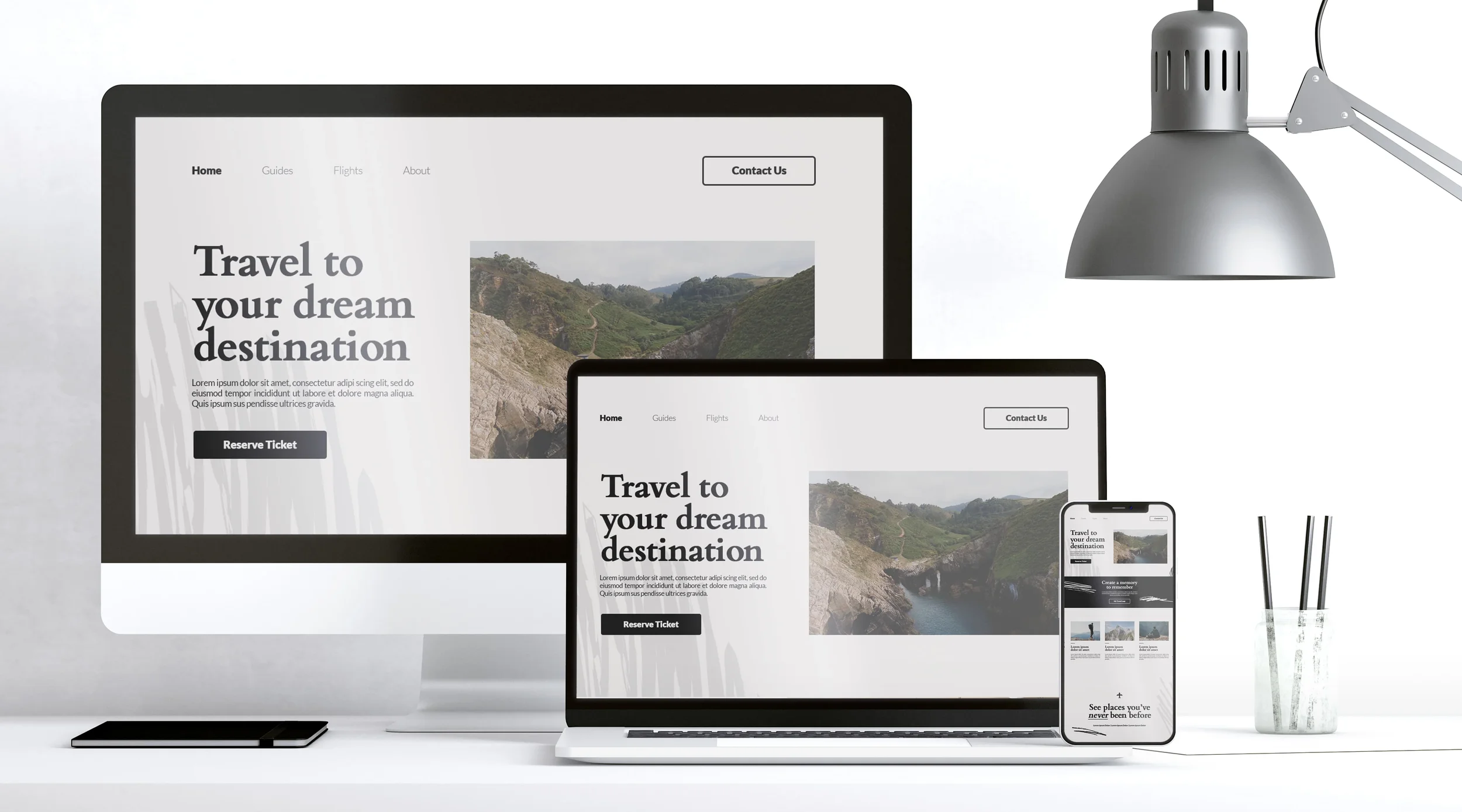
A real estate website has to do more than display attractive photographs. It should help visitors understand your market, explore a property, and decide whether to contact you.
The right starting design depends on what you sell. An independent agent needs a different website from a vacation rental owner or a developer promoting one building.
In this guide, I’ll compare five Squarespace templates for real estate: Cailles, Radian, Suffolk, Palermo, and Randi. Each offers a useful starting point, but they suit different goals and need different levels of adaptation.
My starting recommendation is Cailles for an agent or small brokerage, Suffolk for a hospitality property, and Palermo for a residential building. Radian is worth considering for development portfolios, while Randi suits a simple contact and signup website.
These are recommendations based on the demos’ content and structure—not measured rankings for speed, SEO, or conversion performance.
What to Know Before Choosing a Real Estate Template
Squarespace 7.1 templates share the same core features and design options. Choosing a template primarily gives you a starting layout and visual direction, rather than a unique set of real estate tools. Your subscription and additional services still determine which capabilities you can use. Squarespace’s guidance on version 7.1 templates
That means a beautiful listing preview does not automatically include a live property feed. A booking button does not, by itself, provide availability management or payment processing.
Before comparing colours and fonts, decide whether your website needs to:
Introduce your services and generate buyer or seller enquiries.
Present a small selection of properties that you update manually.
Provide live property search or manage rental reservations through another service.
This decision will affect your budget and setup more than the template name.
1. Cailles: Best Starting Point for Agents and Small Brokerages
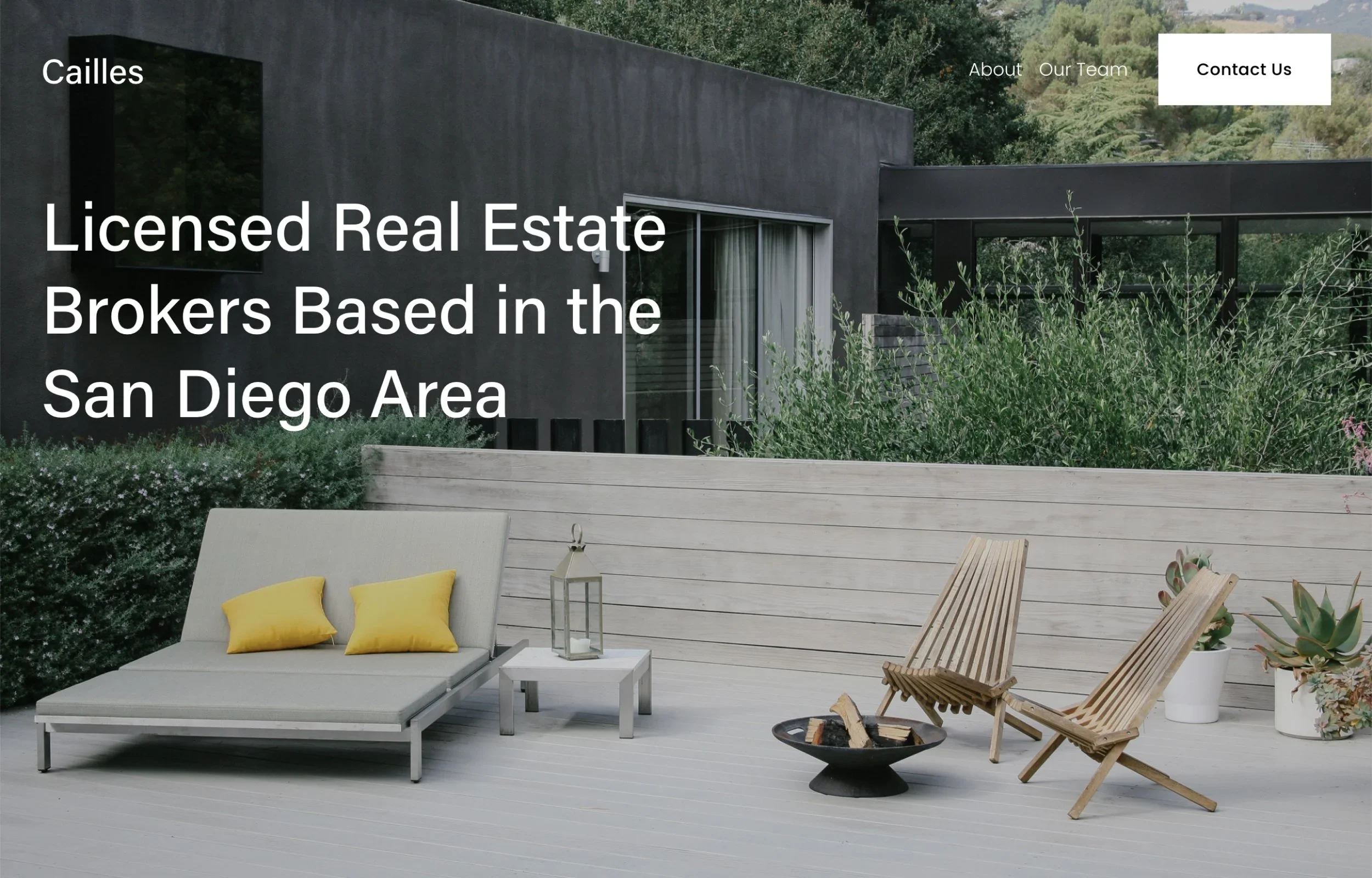
Cailles is the closest match here for a conventional real estate business. Its demo introduces a brokerage, presents featured listings with property information, and directs visitors toward viewing enquiries. Preview the Cailles demo
That structure gives buyers a useful route from learning about a property to contacting the business. It also gives you somewhere to feature selected listings without designing every section from scratch.
How I would adapt it: Lead with your actual service area and specialism, then feature a manageable selection of properties. Add a clear seller enquiry route so the site does not speak only to buyers. For a solo agent, keep the introduction personal and replace any business copy that implies a larger team.
What to plan for: Keep listing details and availability current. The demo’s property sections should not be mistaken for an automatic MLS feed.
Choose Cailles if you want a recognisable real estate structure with relatively little rethinking of the starting content.
2. Radian: Best for Development and Architecture-Led Portfolios
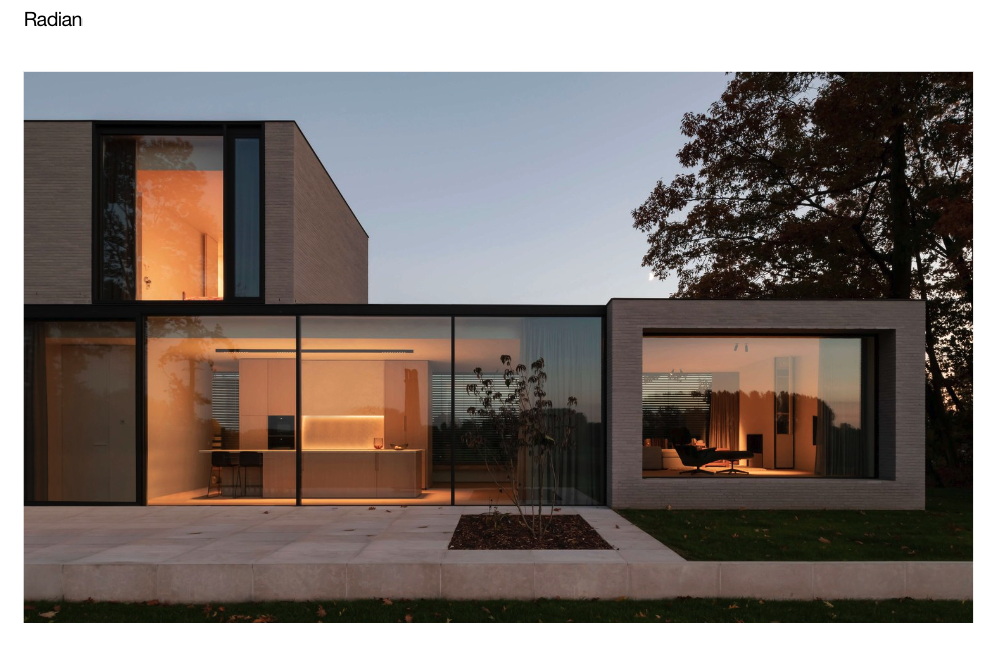
Radian starts as an architecture website, with named projects, locations, project links, and information about the practice. It is not a ready-made property search website. Preview the Radian demo
That project-led approach makes it an interesting option for developers, design-focused property businesses, or agents whose marketing centres on distinctive buildings.
How I would adapt it: Turn each project into a development or property showcase. Explain the location, current status, and opportunity alongside the photography. Replace architecture-service copy with information relevant to prospective buyers, tenants, or partners, and give each showcase a clear enquiry route.
What to plan for: Visitors need practical details as well as visual impact. A beautiful project page still needs to answer basic questions about the property and its availability.
Choose Radian when the story and design of your projects matter more than presenting a large inventory of searchable listings.
3. Suffolk: Best for Vacation Rentals and Boutique Hospitality
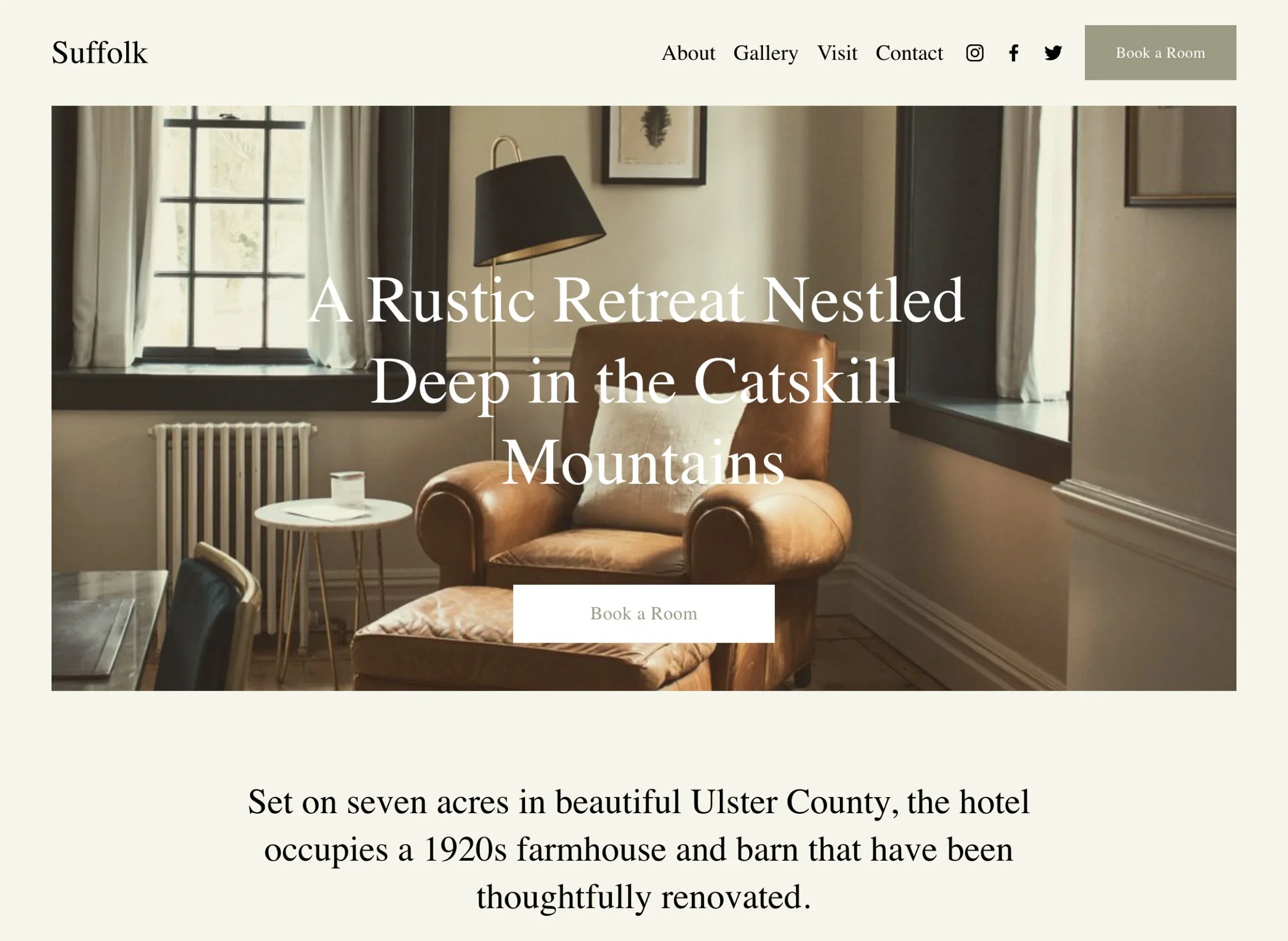
Suffolk’s demo presents a hotel, with room and rate information, amenities, and repeated booking calls to action. Its content naturally fits a property where the visitor is considering a stay. Preview the Suffolk demo
That makes it a useful starting point for a boutique hotel, retreat, or vacation rental business. It is less directly suited to an agent representing many unrelated homes for sale.
How I would adapt it: For a single rental, organise the content around accommodation, amenities, location, and practical guest questions. Use photography to show the actual spaces people will book. Make occupancy, arrival information, and the next booking step easy to find.
What to plan for: Decide where reservations will happen. A “Book” button can link to a reservation platform, but the template itself is not proof of live availability, channel synchronisation, or a complete booking system.
Choose Suffolk when helping a visitor picture their stay is central to the website.
4. Palermo: Best for a Residential Building or Single Development
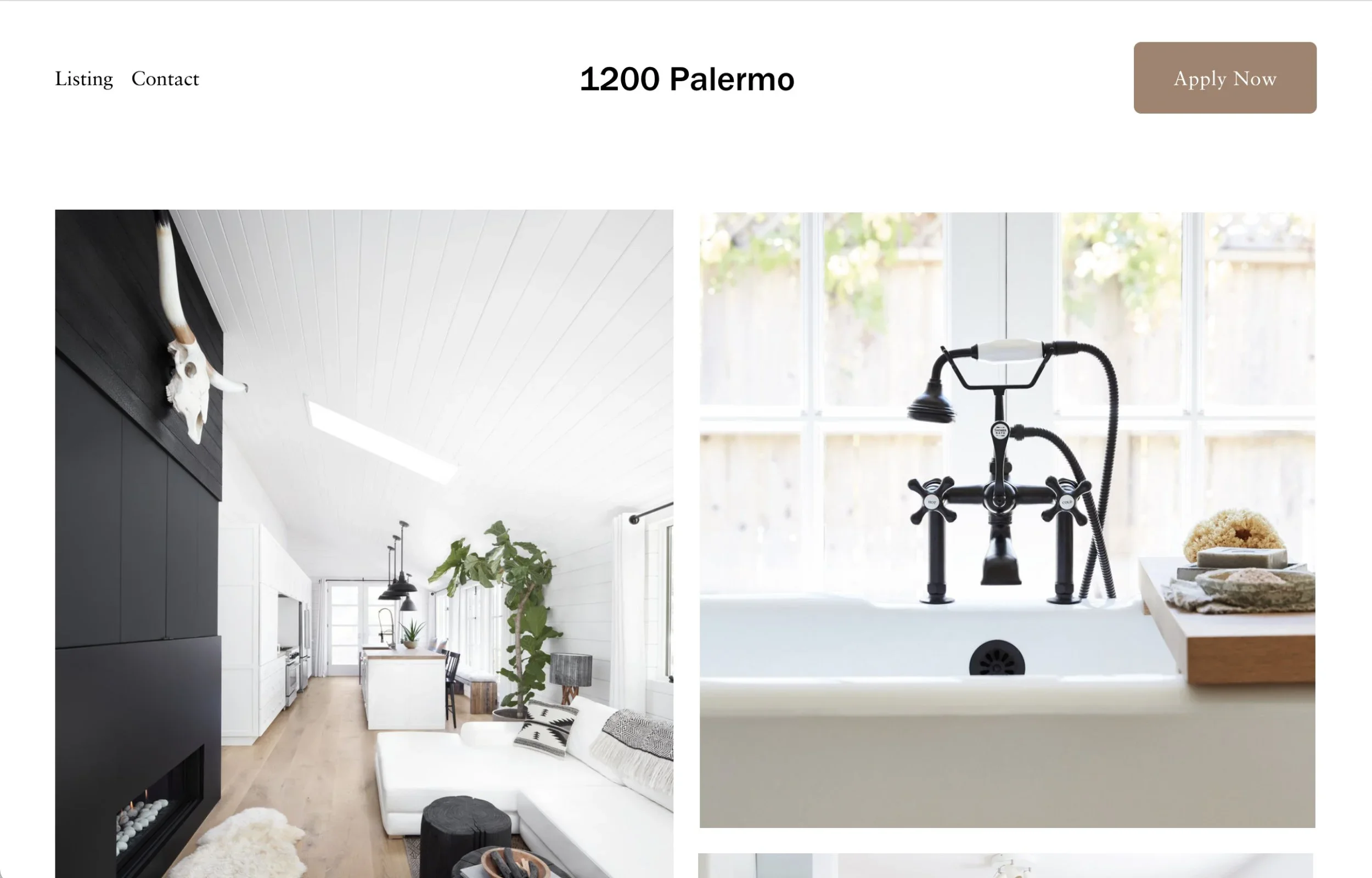
Palermo’s demo markets a named residential building, with property information, references to floor plans, and an application call to action. Preview the Palermo demo
This gives it a strong starting fit for a leasing website, apartment building, or development that needs one coherent identity. It can also be adapted to a single property, provided the content matches the actual offer.
How I would adapt it: Organise the page around residences, amenities, neighbourhood information, and viewing enquiries. Make availability easy to update and provide useful information before asking someone to apply.
What to plan for: Choose the application or leasing process separately. A template button does not supply tenant screening or an application-management system. If an external service handles applications, make that handoff clear.
Choose Palermo when visitors are evaluating a specific building or development rather than choosing an agent to represent them.
5. Randi: Best for a Simple Agent Introduction and Email Signup
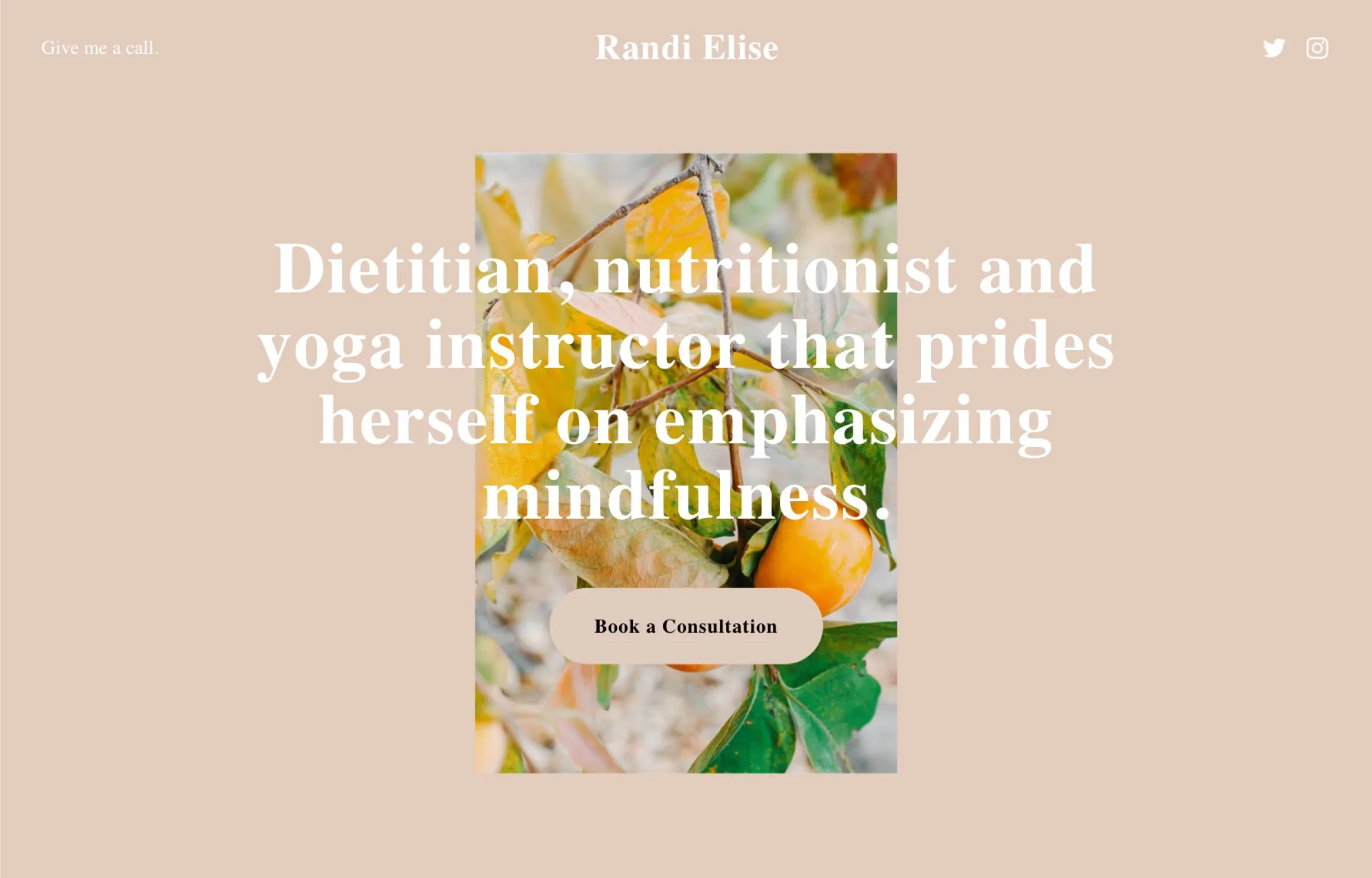
Randi’s demo is a compact personal website for a nutrition professional, with contact information and an email signup form. It is not originally a real estate design. Preview the Randi demo
Its simplicity can still work for an agent who needs a focused online introduction while generating most enquiries through referrals or social media.
How I would adapt it: Replace the demo content with a concise agent introduction, your service area, and a useful signup offer, such as a local market update. Give visitors a direct way to contact you even if they do not want to join a mailing list.
What to plan for: Explain what subscribers will receive and connect the signup to your intended email workflow. Add dedicated service and area pages as your content needs grow.
Choose Randi for a modest first website or focused campaign page, rather than a complete property catalogue.
Is Squarespace Good for Real Estate Agents?
Squarespace is worth considering when your website’s main job is presenting your expertise, showing selected properties, publishing useful content, and encouraging enquiries.
The more your business depends on complex search, automated listing updates, saved searches, or specialised lead management, the more carefully you should evaluate integrations before committing.
Manual Listings vs IDX and MLS Search
Manually maintained property pages can suit a small, curated selection. You control the presentation, but someone needs to update prices, status, and details.
MLS search is a different setup. Squarespace documents adding it through an IDX service using embedded code; some providers require additional code injection. Confirm that your plan supports the required code features and test the integration on mobile. Squarespace’s MLS search guide
Before choosing a provider, ask whether it covers your market and data source, what approvals are required, how leads are delivered, and what recurring fees apply. Ask how its listing pages are made discoverable by search engines rather than assuming an embedded search creates indexable pages on your domain.
If searchable listings are the centre of your business, select and test that system before finalising the visual design.
What Your Real Estate Website Should Include
A template becomes useful when its content answers the questions your visitors bring with them.
A Clear Introduction and Service Area
Explain who you help and where you work. “Helping first-time buyers in [your actual area]” is more informative than a broad promise about finding dream homes.
For a property website, make the address or location and the type of opportunity clear early. Visitors should not need to search through decorative copy to understand what is available.
Property Information That Supports a Decision
Use accurate photographs, practical details, and a clear status. Depending on the property, people may need floor plans, dimensions, amenities, availability, or a route to request further information.
Keep important details as readable page content where possible. A brochure can supplement the page, but should not be the only place visitors can find essential facts.
An Enquiry Process Your Team Can Manage
Use a specific call to action: request a viewing, discuss selling, or ask about availability. Keep forms focused on the information needed for the next conversation.
Submit a test enquiry and confirm who receives it. A well-designed page is only useful if the business can respond to the interest it generates.
SEO Tips for a Squarespace Real Estate Website
Choosing a template does not provide a shortcut to local search visibility. Your content needs to explain the services and places you genuinely know.
Create helpful pages for your services and relevant locations, with distinct information rather than the same paragraph repeated under different city names. Neighbourhood content might explain transport links, property types, or questions buyers commonly ask, using accurate sources where needed.
Write clear page titles, organise content under useful headings, and describe meaningful images accurately. These are part of Squarespace’s recommended SEO checks.
As listings change, review outdated claims and broken links. If a page moves, consider a relevant redirect; do not repeatedly change useful URLs just to make the site feel new.
Keep supporting educational content connected to your services through natural internal links. The goal is to help someone understand both the area and how your business can help.
Need Help with Your Squarespace Website?
Book a free kick-off call to discuss your project requirements in detail. Whether you're launching a new Squarespace website, redesigning an existing one, or looking to improve functionality and user experience, we'll help you explore the best options for your goals.
Which Squarespace Real Estate Template Should You Choose?
Use this comparison after reviewing what each design would need for your business.
| Template | Best Starting Fit | Main Adaptation to Plan |
|---|---|---|
| Cailles | Independent agents and small brokerages | Local positioning, buyer and seller routes, listing updates |
| Radian | Developers and property portfolios | Replace architecture content with property details and enquiry paths |
| Suffolk | Vacation rentals and boutique hospitality | Connect the actual reservation process |
| Palermo | Residential buildings and single developments | Availability, floor plans, and the leasing or viewing process |
| Randi | Agent introductions and signup pages | Real estate messaging, contact options, and later expansion |
Frequently Asked Questions
-
Cailles is my first option to review for a typical agent or small brokerage because its demo already presents listings and viewing enquiries. That does not make it the best choice for every business. Randi may suit a very small introduction page, while a developer may prefer Radian’s project-led structure.
-
Yes, if your website does not need a live MLS search. You can introduce your services, showcase selected properties, and collect enquiries without building a large searchable catalogue. Be clear about who will maintain the property information so visitors do not rely on outdated availability.
-
Do not assume that they do. Sample listings and property photographs demonstrate page design, not a connected listing feed. If you need automated updates, define the data source and integration separately, then check how it works within your proposed site.
-
There is no verified SEO winner among these five in this comparison. Focus on useful content, accessible pages, clear structure, and a working site. If you use an external listing service, evaluate its search implementation separately rather than attributing that behaviour to the template.
Final Thoughts
A properly configured Squarespace SSL certificate protects your visitors, improves trust, and ensures your website loads securely with HTTPS. Since Squarespace provides free SSL for every connected custom domain, enabling it is quick and requires very little maintenance.
If your website still shows a "Not Secure" warning, don't panic. Check your SSL settings, verify your domain connection, allow time for the certificate to process, and look for mixed content issues. In most cases, the problem can be resolved within a few minutes.
Taking a few moments to confirm your SSL configuration today can help protect your visitors, strengthen your website's credibility, and support your long-term SEO performance.