Squarespace SSL Certificate: How to Fix the "Not Secure" Error (2026 Guide)
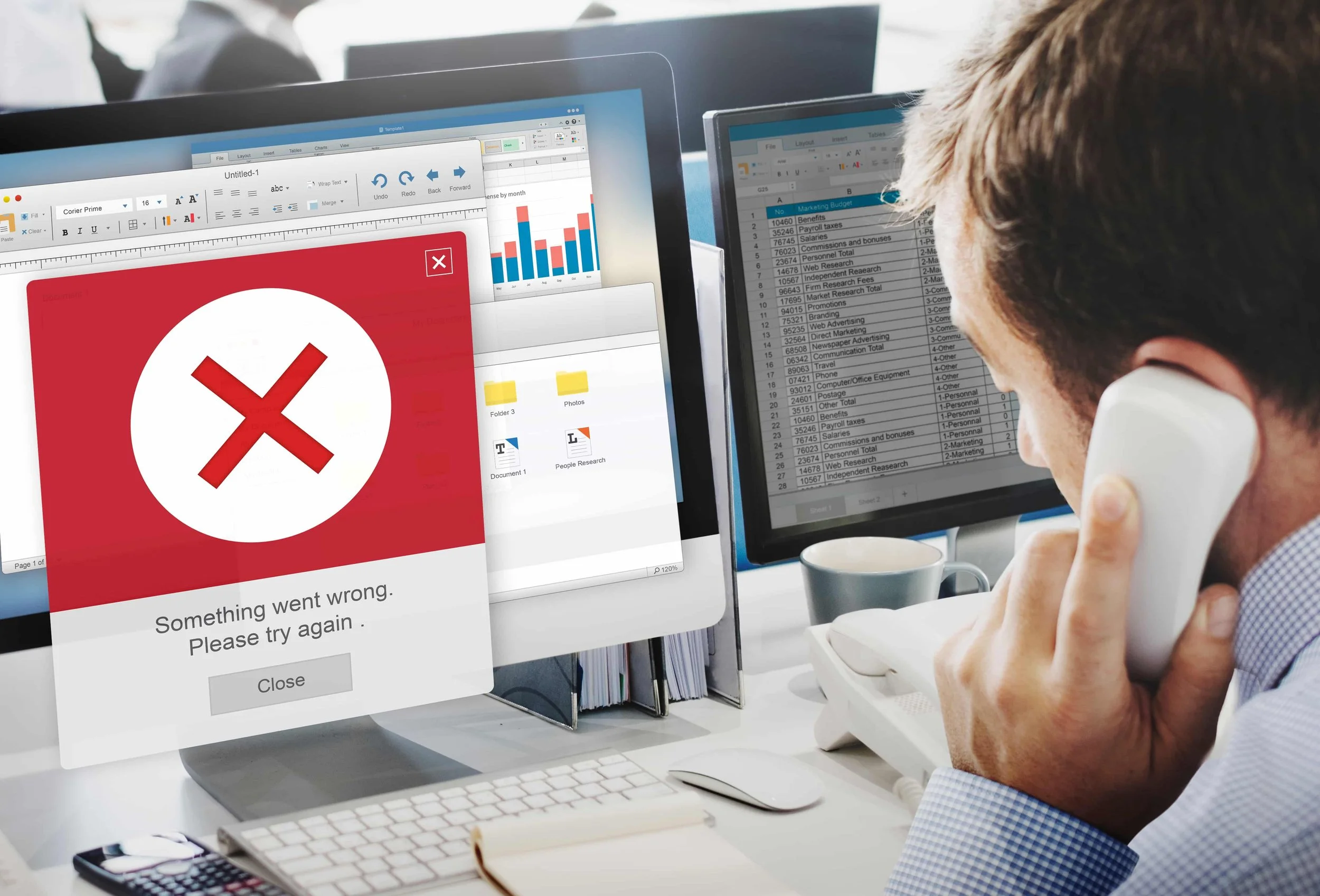
Is your Squarespace website showing a "Not Secure" warning? It can instantly make visitors question your credibility and discourage them from filling out forms or making purchases.
In most cases, this happens because your Squarespace SSL certificate isn't fully configured, your domain settings need attention, or your certificate is still processing.
The good news? Squarespace includes a free SSL certificate with every properly connected custom domain, and fixing common SSL issues usually takes just a few simple steps.
In this guide, you'll learn what a Squarespace SSL certificate is, why it matters, how to enable it, and how to fix the most common "Not Secure" errors.
What Is a Squarespace SSL Certificate?
A Squarespace SSL certificate encrypts the data shared between your website and its visitors. Whether someone submits a contact form, logs into their account, or completes a payment, SSL keeps that information secure.
Think of SSL as the lock on your website's front door. Without it, browsers may warn visitors that your site isn't secure, reducing trust and potentially driving them away.
When SSL is active, your website will display:
https:// instead of http://
A padlock icon in the browser address bar
A secure connection for every visitor
Why Is an SSL Certificate Important?
A properly configured SSL certificate does more than secure your website.
1. Protects Visitor Data; SSL encrypts sensitive information like contact form submissions, passwords, and payment details, preventing unauthorized access.
2. Builds Trust; Most users look for the padlock icon before sharing personal information. If they see a "Not Secure" warning instead, they're far more likely to leave your website.
3. Helps Your SEO; Google prefers secure websites and uses HTTPS as a ranking signal. While SSL alone won't move your site to the top of search results, it's an important part of technical SEO.
4. Supports Online Payments; If you sell products or services through Squarespace, SSL is essential for processing customer information securely.
Does Squarespace Offer a Free SSL Certificate?
Yes. Every Squarespace website connected to a custom domain automatically receives a Squarespace free SSL certificate at no additional cost.
You don't need to purchase SSL separately or install it manually. Squarespace handles the certificate for you, but it can take up to 72 hours to become active after connecting a new domain or changing DNS records.
Need Help with Your Squarespace Website?
Book a free kick-off call to discuss your project requirements in detail. Whether you're launching a new Squarespace website, redesigning an existing one, or looking to improve functionality and user experience, we'll help you explore the best options for your goals.
How to Add an SSL Certificate to Squarespace
Squarespace makes SSL setup simple.
Step 1: Open SSL Settings
From your Squarespace dashboard, go to:
Settings → Developer Tools → SSL
If you can't find the option, use the search bar in your dashboard.

Step 2: Choose the Recommended SSL Mode
You'll see three options:
Secure (Preferred)
HSTS Secure
Insecure
For almost every website, choose Secure (Preferred). If available, enable HSTS Secure for an extra layer of protection.

Step 3: Wait for the Certificate to Activate
After saving your settings, Squarespace begins processing your SSL certificate.
Most websites become secure within a few hours, although Squarespace recommends allowing up to 72 hours for full activation.
Once it's complete, your website will automatically load using HTTPS instead of HTTP.
How to Check if Your Squarespace SSL Certificate Is Working
After enabling your Squarespace SSL certificate, it's a good idea to verify that everything is working correctly.
Here are a few quick ways to check:
1. Look for HTTPS; Open your website in a browser. If the URL starts with https:// instead of http://, your SSL certificate is active.
2. Check for the Padlock Icon; A padlock next to your website's URL indicates that the connection is secure and your SSL certificate is working properly.
3. Use an SSL Checker; If you want a more detailed report, enter your domain into a trusted SSL checker such as SSL Labs or Why No Padlock. These tools can identify certificate issues, mixed content errors, and HTTPS configuration problems.
Frequently Asked Questions
-
Yes. Every Squarespace website connected to a custom domain includes a free SSL certificate. You don't need to purchase or install one separately.
-
Simply go to Settings → Developer Tools → SSL, select Secure (Preferred), and save your changes. Squarespace will automatically generate and activate the certificate.
-
Once your SSL certificate is active, Squarespace automatically redirects visitors from HTTP to HTTPS. You don't need to create redirects manually.
-
Most SSL certificates become active within a few hours. However, Squarespace recommends allowing up to 72 hours, especially after connecting a new domain or updating DNS settings.
-
No. Squarespace isn't a certificate authority. Instead, it automatically issues and manages SSL certificates through trusted certificate providers for all connected domains.
-
Yes. Squarespace includes a free SSL certificate with every custom domain connected to your website. There are no additional setup or renewal fees.
Final Thoughts
A properly configured Squarespace SSL certificate protects your visitors, improves trust, and ensures your website loads securely with HTTPS. Since Squarespace provides free SSL for every connected custom domain, enabling it is quick and requires very little maintenance.
If your website still shows a "Not Secure" warning, don't panic. Check your SSL settings, verify your domain connection, allow time for the certificate to process, and look for mixed content issues. In most cases, the problem can be resolved within a few minutes.
Taking a few moments to confirm your SSL configuration today can help protect your visitors, strengthen your website's credibility, and support your long-term SEO performance.
You May Also Like