
How to choose the best CRM for your event planning business
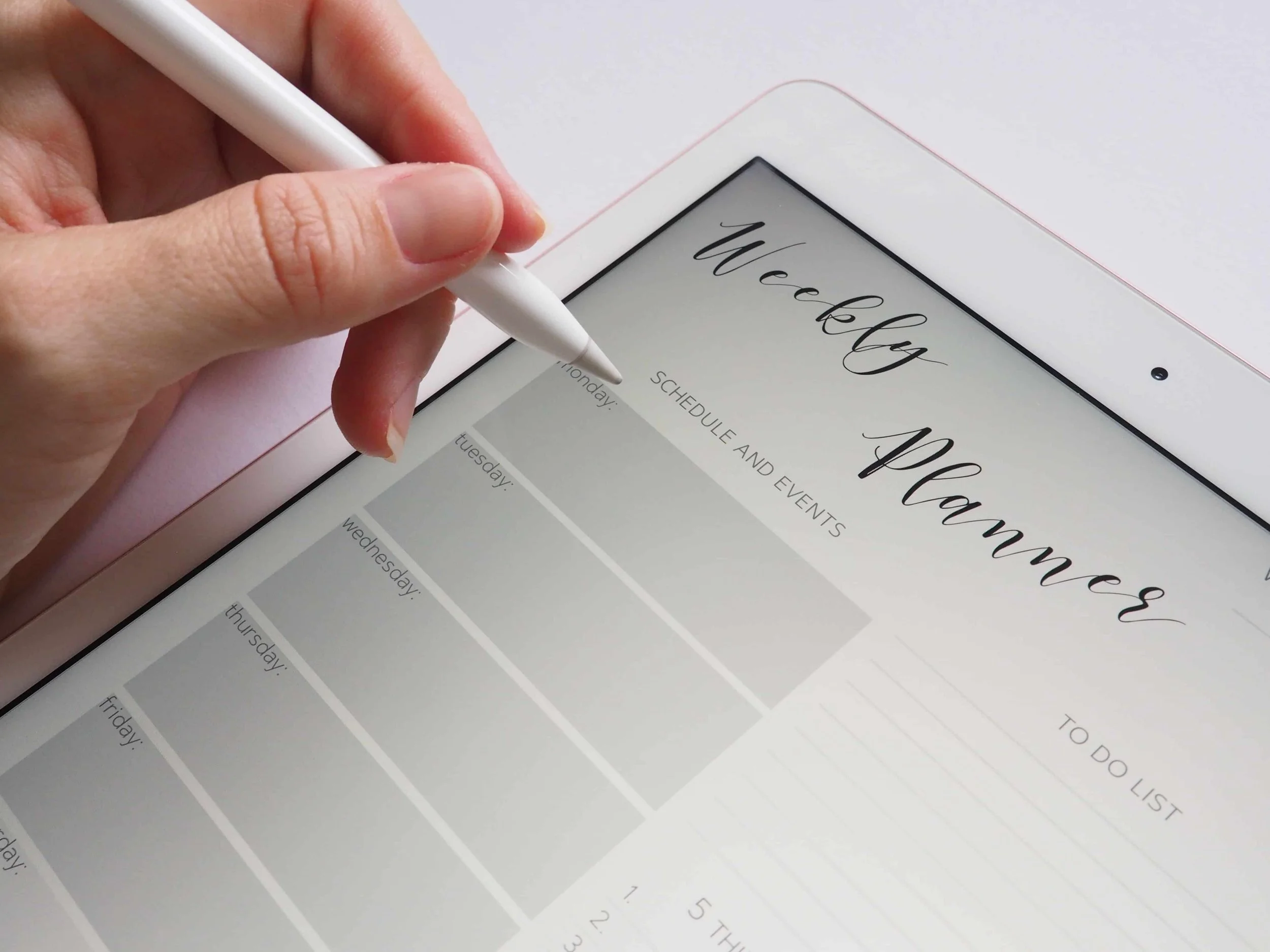
As an event planner, you manage client enquiries, budgets, vendor details, deadlines and payments. When that information is spread across emails and spreadsheets, keeping track of each project becomes harder.
A customer relationship management tool, or CRM, helps organise your client relationships and booking process. The best CRM for event planners is one that fits how you work, connects with your existing tools and is manageable for your team.
What Is a CRM for Event Planners?
A CRM stores contact details, conversations, enquiries and booking progress in one place. Some platforms also include proposals, contracts, invoices and project management.
Event management software may go further, with floor plans, seating charts, guest lists and registration tools. These are not standard features in every CRM, so check what each product and plan includes.
Why Do Event Planners Need a CRM?
A CRM becomes useful when tracking multiple enquiries, clients and suppliers starts taking too much time.
Instead of searching through messages, you can see each client’s details, current stage and next task. Supported automations can handle routine reminders and follow-ups, while a client portal can keep shared documents accessible.
The benefit is a more organised process and clearer communication.
How a CRM Supports Your Event Planning Workflow
Your CRM should follow the stages you use, such as:
New enquiry and availability check.
Consultation and proposal.
Contract signing and deposit.
Planning, coordination and delivery.
Final payment and follow-up.
Use project statuses, tasks and reminders to track progress. Where available, reports can show enquiries, bookings and outstanding payments.
Automate predictable tasks, while reviewing messages that need a personal response or event-specific details.
Essential CRM Features for Event Planners
Look for features that address your actual workload:
Lead capture: Enquiry forms that create client records and capture event dates, budgets and requirements.
Client and vendor contacts: Searchable records for contact details, notes and relevant documents.
Project management: Tasks, deadlines and responsibilities that your team can track.
Scheduling: Calendar connections and consultation booking, where needed.
Branded documents: Reusable proposals, questionnaires and other client-facing templates.
Contracts and e-signatures: Tools for sending agreements and tracking signatures.
Invoicing and payments: Support for deposits, payment schedules and reminders.
Integrations: Connections with your website, email, accounting and other business tools.
Reporting: Useful information about leads, bookings and payments.
If you need floor plans, banquet event orders or attendee registration, check for those separately. A document template is not the same as a dedicated planning tool.
How to Choose the Best CRM for Event Planners
Before comparing platforms, write down where your current process becomes difficult. Then assess these points:
Workflow fit: Can you organise projects around your booking and planning stages?
Essential features: Separate tools you need now from optional additions.
Integrations: Check which connections are native and which require another service.
Ease of use: Test the dashboard, forms, documents and client portal.
Total cost: Include subscriptions, extra users, add-ons, setup support and payment processing fees where applicable.
Data access: Check whether you can export important records if you change platforms.
During a trial or demo, test a sample enquiry through to proposal, contract and invoice. This reveals more than a feature list alone.
Connecting Your CRM to Event-Planning Websites
Your website’s enquiry form should support your follow-up process.
Some CRMs provide forms you can embed directly into your website. Dubsado, for example, supports embedded lead forms on Squarespace, Wix and WordPress, with submissions creating contact records and projects.
Check your website plan’s requirements for embeds or integrations. Test the form on mobile, confirm submissions arrive correctly and make sure any automated response explains the next step.
CRM Options for Event Planners to Compare
These platforms offer different combinations of client management and event planning tools.
Planning Pod
Planning Pod combines CRM functions with event and venue management. Its tools include proposals, contracts, invoicing, floor plans, banquet event orders, registration and ticketing. planningpod.com
It is worth comparing if you need event operations alongside client management. Ask which product and package support your type of business, rather than assuming every feature is included.
Aisle Planner
Aisle Planner combines lead management, proposals, contracts and payments with planning tools such as checklists, timelines, design boards and guest management. Aisle Planner Help Center
It supports weddings and other events. If you manage conferences or complex corporate projects, test your specific requirements during a demo.
Dubsado
Dubsado focuses on client management, with lead forms, proposals, contracts, invoices and client portals.
It may suit planners who already use separate event planning tools and want to organise their booking process. Scheduling and automated workflows are available on its Premier plan, so compare plan details before choosing.
Frequently Asked Questions
-
They are optional, but useful for repetitive tasks such as reminders and follow-ups. Start with a process you understand, then automate the steps that consistently follow the same pattern.
-
The term usually describes registration software connected to CRM functions. It helps collect attendee details and track communications or engagement, rather than only managing the client who hired you.
-
Registration software focuses on attendees, sign-ups, tickets and check-in. A regular CRM focuses on contacts, relationships and sales activity. Some platforms combine these functions or connect them through integrations.
-
Yes, when they run events requiring organised sign-ups, attendee records or check-in. For a planner mainly managing client bookings, a client management CRM may be the more relevant starting point.
My Thoughts
Choose a CRM around your workflow, rather than the longest feature list. It should help you manage enquiries, keep client information organised and follow up consistently.
Your website should support that process by presenting your services clearly and making enquiries easy.
At Web Goyat, we build Squarespace websites for event planners that showcase their work and support a straightforward enquiry process.
Book a free consultation call with us to discuss your event planning website and how it can connect with your client management tools.
