
5 Best Squarespace Templates for Small Businesses in 2026
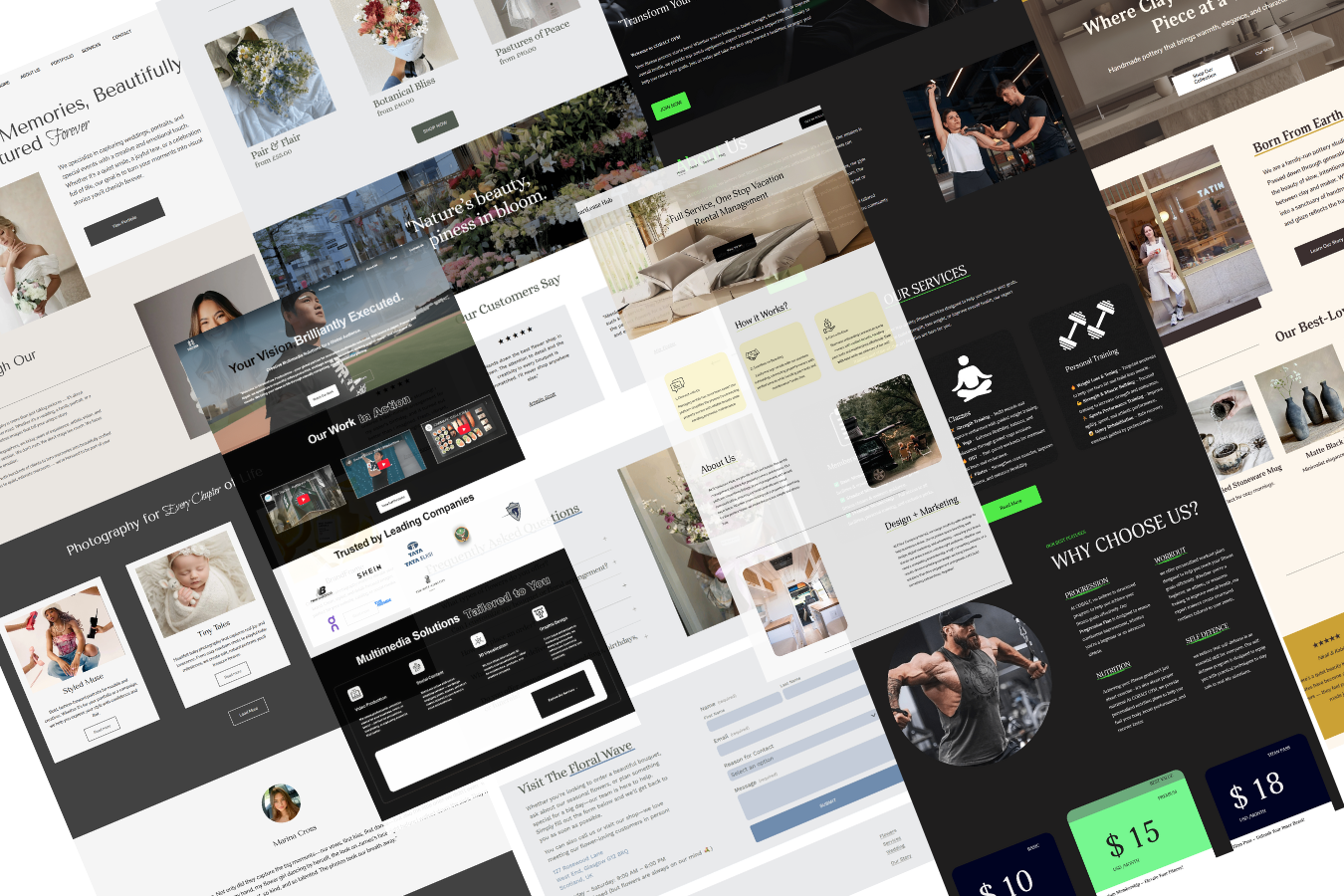
Choosing a website template can feel simple until you start comparing the options. One has striking photography, another has a booking button, and a third looks perfect until you imagine replacing its demo content with your own.
The best Squarespace templates for small businesses give you a useful starting structure for explaining what you offer and helping visitors take the next step. That might mean viewing your work, making an inquiry, booking an appointment, or shopping for a product.
This guide compares five official Squarespace designs by business type, explains where each makes sense, and highlights what you’ll need to customize before launch.
A Quick Comparison of the Best Squarespace Templates
These are recommendations by use case, rather than a universal ranking. Follow the demo links to explore each starting design.
| Template | Recommended For | Starting Point to Consider | What to Customize |
|---|---|---|---|
| Beaumont | Photographers and creative freelancers | A portfolio centered on visual projects | Add service details and a clear inquiry route |
| Clove | Therapists and wellness practices | An introduction to a practice, its services, and care approach | Replace demo information with your actual team and services |
| Almar | Coaches and personal service brands | An individual-led business with an appointment-oriented journey | Clarify packages and connect your booking process |
| Belisa | Bars, cafés, and hospitality businesses | A venue introduction supported by food and drink content | Prioritize your menu, hours, location, and reservation route |
| Crosby | Small retailers and product brands | A storefront with featured shopping categories | Build product information and configure your store |
What Matters More Than the Template Name?
In Squarespace 7.1, templates share the same template family, features, and style options. Choosing a different starting design does not unlock a unique set of platform capabilities. Subscription plans and additional services can still affect what you can use. Squarespace explains its template system here.
That makes the decision more practical: which design gets you closest to the website you need with the least restructuring?
Focus on three things:
Your main action: Make it obvious whether visitors should book, inquire, visit, or buy.
Your available content: Choose a layout that suits your real photographs and amount of copy.
Your editing needs: Favor a structure you can keep current as your services or products change.
A photography-heavy demo may look impressive, but it will need strong images from your business. A simple service layout may be a better choice if you need room to explain an offer and answer questions.
1. Beaumont: A Strong Starting Point for Photographers
Beaumont’s official demo presents a photographer and art director through a collection of named projects, a short professional introduction, and contact details. That makes it a relevant starting point for businesses where the work itself needs to lead the conversation. Explore the Beaumont demo.
I would shortlist Beaumont for photographers, art directors, and creative freelancers with a focused body of work to share.
For a business website, give visitors more than a gallery. Add a short explanation of your services, the kinds of projects you accept, and how someone can contact you. A wedding photographer, for example, could organize work by wedding story and add an inquiry page explaining availability and the booking process.
Choose it if: Your portfolio is your strongest selling point.
Plan to adjust: The amount of space devoted to services and practical client questions. A visitor should not have to infer what you offer from images alone.
2. Clove: A Useful Fit for Therapy and Wellness Practices
Clove’s demo is built around a mental health collective. It introduces the practice, describes its environment and in-person or remote options, and presents services. That structure provides useful inspiration for a business where visitors want to understand the people and approach behind the service. Explore the Clove demo.
I would consider Clove for therapists, counselors, and wellness practices that need a clear, reassuring introduction.
Customize the copy around the questions your prospective clients actually ask: who you help, what you offer, where appointments take place, and what the first step involves. Use accurate professional information and your own photographs where possible.
Choose it if: You need room to explain your approach and introduce a team.
Plan to adjust: The appointment journey. Demo content is a layout example; you still need to configure the tools and process your business will use.
3. Almar: A Starting Point for Coaches and Personal Service Brands
Almar’s demo centers on a personal wellness offering and includes a booking-oriented path. I would shortlist it for coaches and individual practitioners who want their website to introduce their approach and guide visitors toward an appointment. Explore the Almar demo.
Its individual-led positioning can also inspire a salon or beauty professional’s website, although that is an adaptation rather than a claim that the demo is salon-specific.
Make the offer concrete. Explain who the service is for, what a session or package includes, and what someone should do next. For beauty services, add service durations, relevant pricing, and examples of your work.
Choose it if: Your personality and expertise play a central role in the buying decision.
Plan to adjust: Booking setup and costs. Acuity Scheduling has a separate subscription from a Squarespace website; a booking element in a demo does not make that subscription included. Check Acuity’s billing guidance.
4. Belisa: A Relevant Option for Bars and Hospitality Businesses
Belisa’s official demo showcases a cocktail bar with named drinks and food-related imagery. It offers a useful starting point for presenting a venue’s atmosphere and what guests can expect. Explore the Belisa demo.
I would consider it for cocktail bars, cafés, or smaller hospitality businesses with good photography and a concise offer.
Keep practical details easy to find. Guests may arrive looking for opening hours, an address, the menu, or a way to reserve. Put those needs ahead of decorative content, especially on mobile.
Choose it if: Your venue’s atmosphere and menu are central to its appeal.
Plan to adjust: Reservation or ordering connections. Confirm how those services will work for your business instead of treating demo links as a finished booking system.
5. Crosby: A Starting Point for Small Shops and Product Brands
Crosby’s demo sells plants and pots, with featured shopping categories and a journal. Its organization makes it a useful reference for retailers that want to combine product discovery with helpful editorial content. Explore the Crosby demo.
I would shortlist Crosby for plant shops, homeware brands, gift businesses, and other small retailers with visually distinctive products.
Replace the demo categories with the ways your customers shop. Then give each product enough information to support a decision: dimensions, materials, care details, photographs, and delivery information where relevant.
Choose it if: Shopping is the main purpose of your website.
Plan to adjust: The operational side of the store, including payment setup, delivery options, and product organization. A polished storefront still needs a working purchase journey.
Are Squarespace Templates Really Free?
Squarespace’s own starting templates do not require a separate template purchase, but keeping a website live requires a paid website subscription. Review the current Squarespace plans and included features when setting your budget.
Third-party designs are separate offers. Before choosing one, check the seller’s current price, installation method, license, support, and any required paid tools. “Free” should describe the specific offer accurately, not imply that the complete website has no ongoing cost.
For many small businesses, an official starting design plus thoughtful customization is enough. A third-party design may be worthwhile if its structure and guidance save you substantial work.
SEO Tips for Your Small Business Website
Choosing a template is only the beginning. You still need to replace the demo content with useful pages that explain your business.
Start with these essentials:
Write clear page titles and headings. Describe the actual service or product; include your location naturally when it matters.
Create useful original content. Answer the questions customers ask before they contact you.
Describe images accurately. Use relevant alt text without repeating keywords unnaturally.
Connect related pages. Help readers move from a service introduction to examples, FAQs, or an inquiry page.
These practices align with Google’s SEO Starter Guide. They help make content understandable, but do not guarantee a particular ranking.
Also review the finished site on a phone. Check text size, image crops, navigation, and forms with your own content in place. Avoid assuming a demo’s appearance or speed will remain unchanged after adding large images, videos, or extra integrations.
Need Help with Your Squarespace Website?
Book a free kick-off call to discuss your project requirements in detail. Whether you're launching a new Squarespace website, redesigning an existing one, or looking to improve functionality and user experience, we'll help you explore the best options for your goals.
Frequently Asked Questions
-
The best fit depends on what your website needs to accomplish. Start with Beaumont for a visual portfolio, Clove for a practice introduction, Almar for a personal service brand, Belisa for hospitality, or Crosby for a product-focused shop. Compare the structure with your real content before making the final decision.
-
Yes. Treat the demo industry as inspiration. You can change the content, styling, and layout to suit your business. However, choose a starting point that reduces your work: adapting a practitioner’s website for another appointment-based service may be more straightforward than rebuilding a portfolio into a large store.
-
There is no supported basis here for naming one of these templates an SEO winner. Squarespace 7.1 templates share core capabilities, and your content, site organization, and implementation matter. Choose the layout that helps you explain your business clearly rather than expecting the template name to improve rankings.
-
If you have clear content, suitable images, and time to learn the editor, a template can be a practical DIY starting point. A designer can help when you need a more tailored structure, consistent branding, custom functionality, or support bringing the project to completion. Base the decision on your time, requirements, and confidence managing the build.
Final Thoughts
A good template gives you direction. The finished website comes from choosing the right content, organizing it clearly, and making the next step easy for visitors.
Start with the design closest to your goals, then make it your own. Keep the elements that support your business and adjust the rest around the people you want to reach.
Building or improving a Squarespace website? Book a free call with me to discuss your website, goals, and the design you have in mind. Whether you need help customizing a template or creating a complete website, I can help you build a professional Squarespace website that reflects your brand and encourages visitors to take action.
