

If you’re planning to create a church website in 2026, I want to save you from a mistake I see all the time.
Many churches spend weeks comparing website builders, only to end up with a site that looks outdated, loads slowly on phones, or is difficult for volunteers to update later.
I’m Ankush Goyat, founder of Web Goyat, and I’ve worked with organizations that wanted a website that felt welcoming, easy to manage, and trustworthy for first-time visitors. The platform you choose matters far more than most people think.
One number explains why: 80% of new visitors check a church’s website before attending in person. Your website is often the first impression of your ministry.
In this guide, I’ll compare the 5 best church website builders in 2026:
Squarespace
Wix
Tithe.ly
Subsplash
WordPress
I’m not ranking them by popularity alone. I’m ranking them by what actually matters to churches: design quality, ease of use, donations, mobile experience, long-term maintenance, and whether a non-technical team can realistically manage the site.
Quick Comparison Table
| Platform | Best For | Difficulty |
|---|---|---|
| Squarespace | Modern, professional church websites | Easy |
| Wix | Beginners who want visual freedom | Very Easy |
| Tithe.ly | Churches focused on online giving | Easy |
| Subsplash | Sermons, streaming, and mobile app | Medium |
| WordPress | Large churches needing full customization | Advanced |
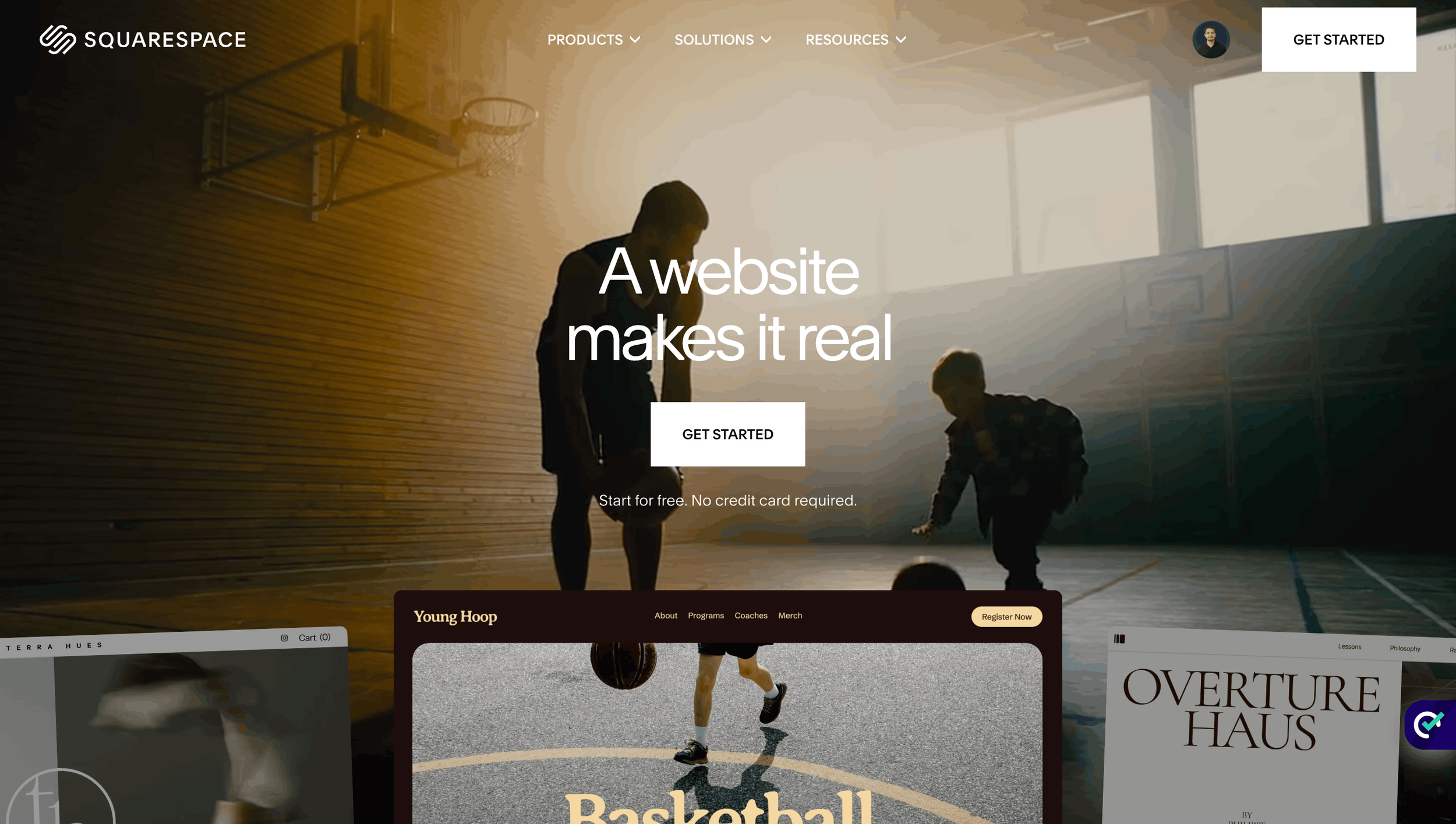
1. Squarespace
Best for: Churches that want a modern, trustworthy website without hiring a full-time developer
This is the platform I recommend most often to churches.
The biggest reason is simple: it looks professional immediately. You don’t need design skills to get a clean homepage, readable sermon pages, event sections, and donation buttons that work well on both desktop and mobile.
Why I rank it #1
Award-winning mobile-responsive templates
Built-in donation blocks and payment tools
Event calendars and scheduling integrations
Simple editing interface for volunteers
Strong SEO structure out of the box
Reliable hosting and security included
Real performance data
96% pass rate in Core Web Vitals (Interaction to Next Paint) among major hosted website platforms
Over 3 million live websites globally
More than 5.8 million active subscriptions
#1 hosted website builder in the United States by market popularity
Those numbers matter because churches usually don’t have an IT department. Reliability is part of ministry stewardship.
A real church scenario
A small church I spoke with was using an old website built nearly a decade ago. Sermon uploads required logging into multiple systems, and the homepage was almost unreadable on phones.
After moving to a modern Squarespace setup, the staff could:
update events in minutes,
upload sermons from one dashboard,
collect donations through a secure checkout,
and edit pages without touching code.
That’s the kind of practical improvement most churches actually need.
What I like most as a web designer
Squarespace prevents many design mistakes. Spacing, typography, and mobile layouts are handled well automatically, which means the site stays consistent even when different volunteers update it.
Downsides
Less flexible than WordPress for complex custom features
Fewer third-party plugins
Advanced database-style content is limited
My verdict
If your goal is “a beautiful church website that is easy to maintain for the next 5 years,” Squarespace is the safest choice.
2. Wix
Best for: Church teams with no technical experience
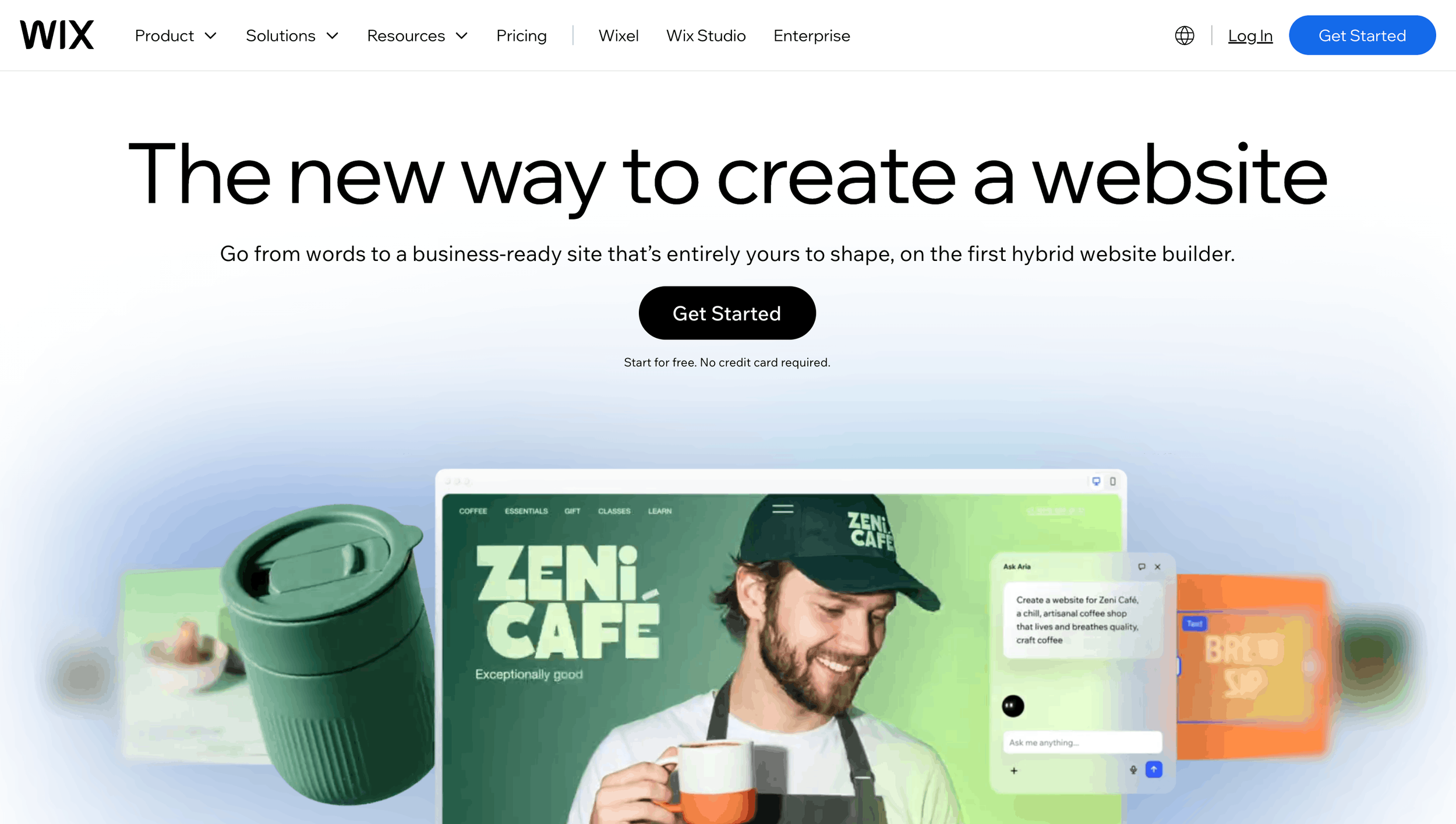
Wix is the easiest platform in this list to start with. If a volunteer can use PowerPoint, they can usually learn the Wix editor.
Why churches choose Wix
True drag-and-drop editing
Large template library
Beginner-friendly interface
Built-in app marketplace
Easy event registration forms
Real platform data
Over 260 million registered users worldwide
Roughly 45% share of the global simple website-builder market
300+ installable apps for calendars, forms, video, communities, and donations
That huge user base means tutorials, support articles, and freelancers are easy to find.
A realistic example
Imagine a church launching a new youth ministry. The team wants a dedicated page with photos, a registration form, a volunteer signup section, and a weekly calendar.
In Wix, a volunteer can build that page visually in an afternoon without writing code.
Where Wix shines
Landing pages for events
Vacation Bible School registration
Youth ministry pages
Volunteer recruitment pages
Quick updates before Sunday services
The trade-off
The same freedom that makes Wix easy can also make websites look inconsistent. I often see church sites where fonts, colors, spacing, and button styles change from page to page because multiple people edited the site without a design system.
Downsides
Design consistency requires discipline
Large pages can become slower if overloaded with apps
SEO settings need a bit more manual attention than Squarespace
My verdict
Choose Wix if your main priority is ease of use and visual freedom. It’s an excellent beginner platform, but it usually needs stronger design guidance to achieve the polished look that builds trust with first-time visitors.
Need Help with Your Squarespace Website?
Book a free kick-off call to discuss your project requirements in detail. Whether you're launching a new Squarespace website, redesigning an existing one, or looking to improve functionality and user experience, we'll help you explore the best options for your goals.
3. Tithe.ly
Best for: Churches that want donations, events, and church management in one system
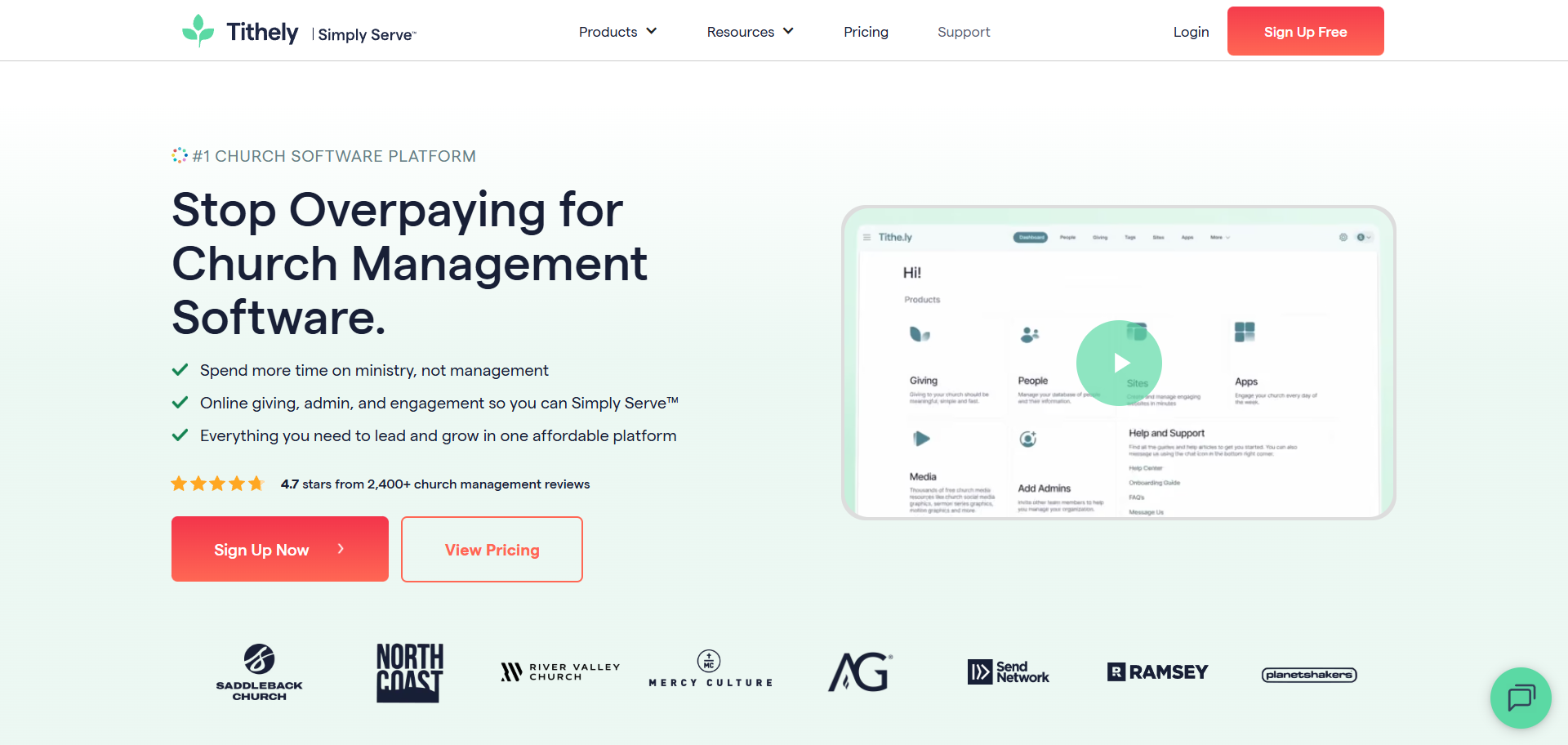
Tithe.ly is different from Squarespace and Wix because it was built specifically for churches.
The biggest advantage is that online giving is not an add-on—it is the core of the platform.
What makes Tithe.ly attractive
Native online tithing and recurring donations
Event registration tools
Sermon hosting
Member communication tools
Church management integrations
Real ecosystem data
Used by 40,000+ churches and ministries worldwide
Churches typically save 5–10 hours of setup time because donation tools are already integrated
If your staff currently uses separate tools for donations, events, and member records, Tithe.ly can simplify that workflow significantly.
A common church problem
I often hear this: “People want to give online, but our donation link sends them to another website.”
That extra step reduces trust and conversions. Tithe.ly keeps the giving experience connected to your church website, which feels more professional and secure.
My honest take
Tithe.ly is excellent for operational efficiency, but its design flexibility is not as strong as Squarespace. If visual branding is a top priority, I would still choose Squarespace and integrate a giving solution.
Downsides
Fewer design options
Templates feel more utility-focused than brand-focused
Best value is achieved when using multiple Tithe.ly products together
My verdict
Choose Tithe.ly if online giving and church operations are more important than having a highly customized visual design.
4. Subsplash
Best for: Churches with active sermon ministries and online audiences
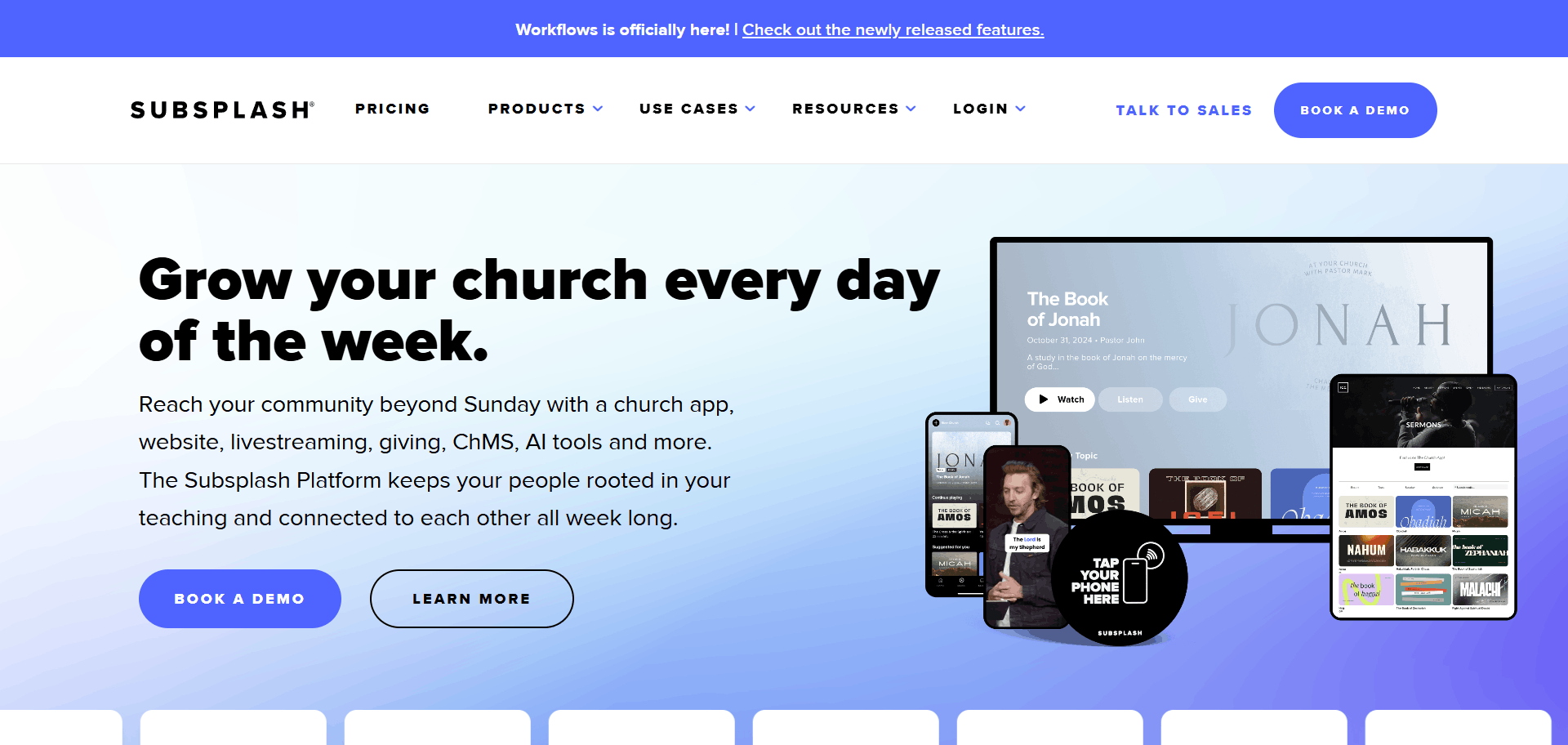
Subsplash is ideal for churches that publish a lot of media, sermons, podcasts, live streams, devotionals, and video content. What makes it unique is the “publish once, distribute everywhere” workflow.
Key strengths
Sermon media hosting
Live streaming support
Custom mobile apps
Push notifications
Unified content management across web and app
Real-world impact
Churches using integrated engagement ecosystems like Subsplash commonly report 15–30% increases in digital giving and congregation engagement.
That happens because sermons, notifications, events, and giving all live in one connected environment.
Example
Imagine your pastor uploads Sunday’s sermon once. It can automatically appear on:
the website,
the church mobile app,
TV apps,
and podcast feeds.
For a church with a large online audience, that saves substantial administrative time.
My honest take
Subsplash is powerful, but it is more than a website builder, it is a media ecosystem. Smaller churches may find it more complex and expensive than they need.
Downsides
Higher learning curve
Higher cost than typical website builders
Best suited to churches that actively produce media content
My verdict
Choose Subsplash if your church treats sermons, streaming and mobile engagement as a major part of its ministry strategy.
5. WordPress
Best for: Large churches, multi-campus ministries, and organizations needing custom functionality
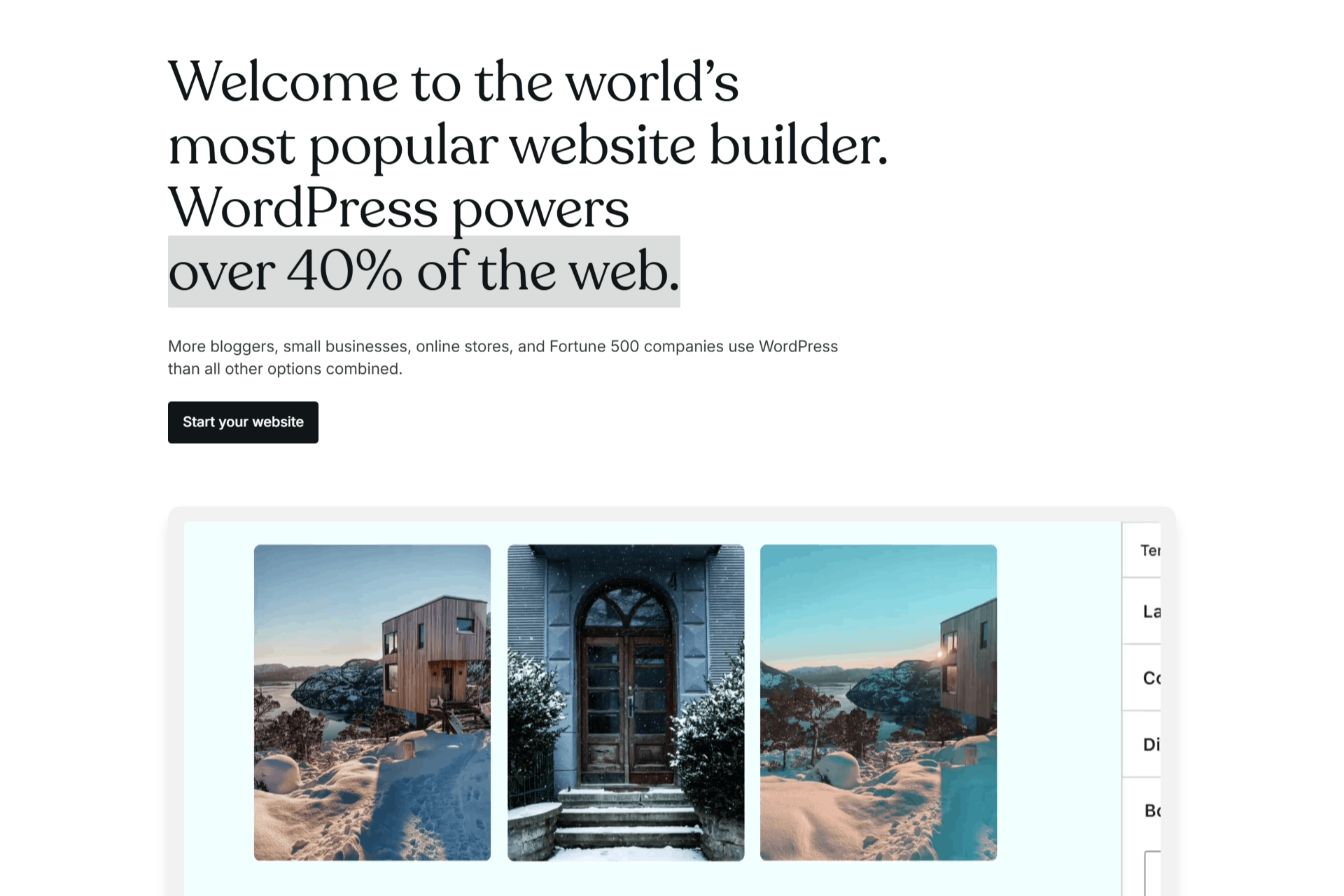
WordPress powers more than 43% of all websites on the internet, which makes it the most flexible platform in this list.
With WordPress, almost anything is possible:
member directories,
volunteer portals,
multilingual sites,
advanced event systems,
custom databases,
and complex integrations.
Why developers love it
59,000+ plugins available
Complete ownership of your website files and database
Unlimited design and feature customization
Excellent long-term scalability
The reality most churches overlook
WordPress is not a drag-and-drop website builder by default. Someone must manage:
hosting,
updates,
security,
backups,
and plugin compatibility.
For a church without technical support, that responsibility can become stressful.
My honest take
I recommend WordPress only when a church has clear custom requirements that Squarespace, Wix, Tithe.ly, or Subsplash cannot handle.
My verdict
Choose WordPress if you need enterprise-level customization and are prepared for ongoing technical management.
My Final Recommendation
After comparing all five platforms, Squarespace is the best church website builder for most churches in 2026.
It gives you:
a professional first impression,
excellent mobile performance,
built-in donation and event tools,
easy editing for volunteers,
and minimal technical maintenance.
As aweb designer, I’ve found that church leaders usually want the same thing: a website that feels welcoming, works reliably every Sunday, and can be updated without calling a developer for every small change.
That is exactly why I place Squarespace at the top of this list.
If you’re planning to create a church website and want guidance on choosing the right platform, structuring your pages, or designing a site that actually helps visitors take the next step, feel free to explore more resources at Web Goyat.
