
How to Create an Event Planning Portfolio Clients Actually Trust
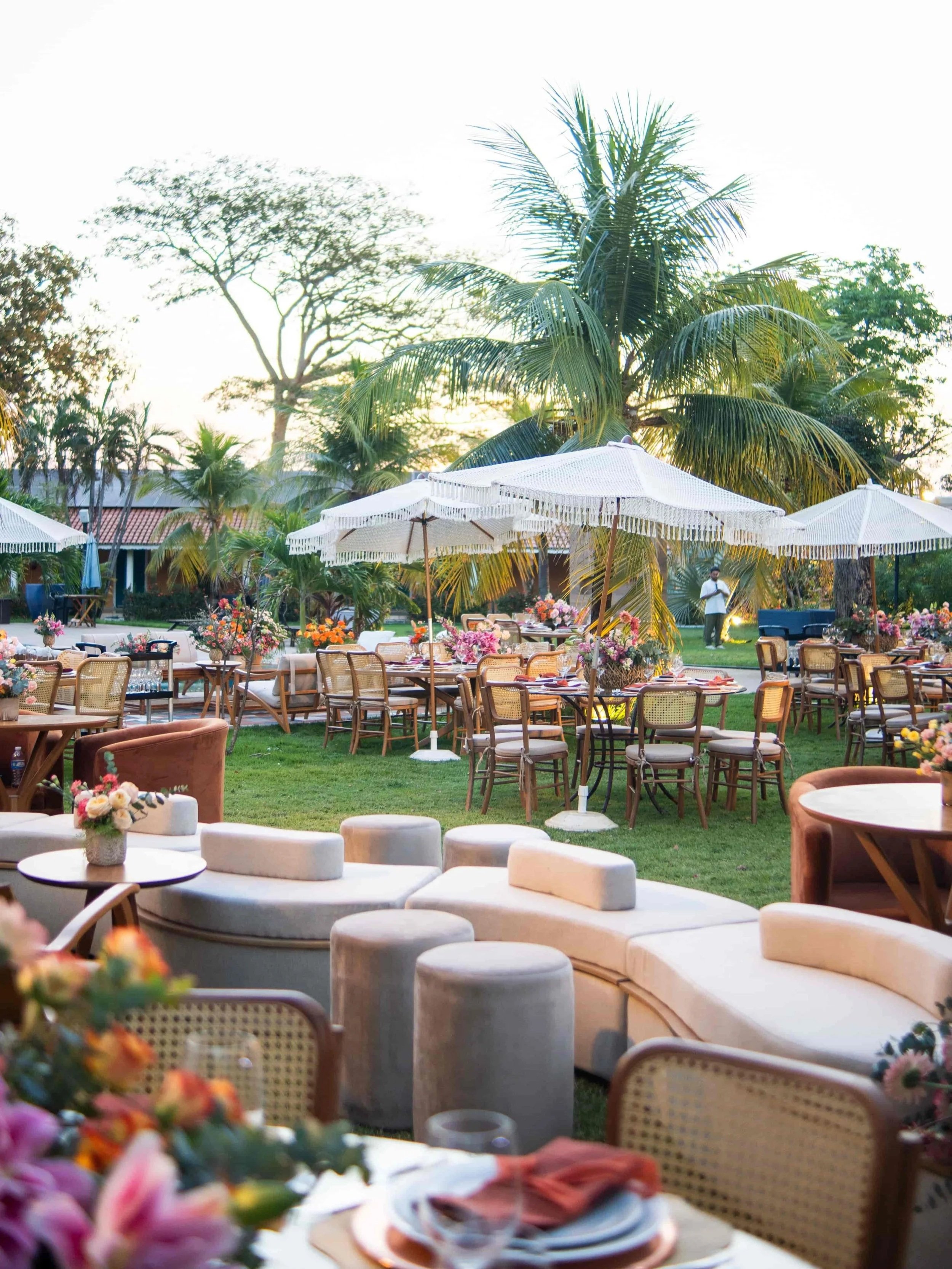
Your portfolio helps potential clients decide whether you can deliver the event they have in mind. Strong photographs attract attention, but they do not explain your responsibilities, planning skills or the challenges you handled.
To build an event planning portfolio clients trust, give each project enough context to show what you did, support your claims and make it easy to enquire.
What Clients Need to Know Before Hiring You
Clients need to understand whether you have experience with events like theirs. A wedding, product launch and fundraising dinner can involve very different requirements.
Your portfolio should help them answer three questions:
Have you worked on a similar type or scale of event?
What were you responsible for?
What evidence shows that the event met the client’s needs?
Be specific about your role. Full planning, event design and on-the-day coordination are different services. If you assisted another planner, explain your contribution. Label styled shoots clearly so visitors understand what the work demonstrates.
Need Help with Your Squarespace Website?
Book a free kick-off call to discuss your project requirements in detail. Whether you're launching a new Squarespace website, redesigning an existing one, or looking to improve functionality and user experience, we'll help you explore the best options for your goals.
Use a Clear Event Planning Portfolio Format
Give each featured event its own page when you have enough material to explain it properly. Use a consistent structure:
Overview: Event type, location and guest count, where appropriate.
The brief: What the client wanted to achieve.
Your role: The services you provided.
The challenge: A planning or logistical issue and how you handled it.
The result: Relevant outcomes, photographs and client feedback.
A few clear sentences can provide useful context before the gallery. Choose images that show the overall event and important details without repeating the same view.
Descriptive project titles and useful text also help people and search engines understand the page.
Organise Your Event Portfolio by Event Type
Help visitors find relevant work without scrolling through unrelated galleries.
If you offer several services, consider sections for weddings, corporate events and private celebrations. Use clear labels and add filters only when the size of your portfolio makes them useful.
Within each section, lead with the work that best represents your current services and the projects you want to attract. Chronological order is optional.
Show Results You Can Support
Choose outcomes that relate to the client’s goals. For corporate or fundraising events, these might include:
Attendance compared with the agreed target.
Feedback from post-event surveys.
Fundraising totals against the goal.
Delivery within the agreed budget.
Relevant press coverage or business results.
Keep the context clear. A satisfaction score should explain who responded, and comparisons should use a relevant baseline. If you include ROI, explain how it was calculated.
For weddings and private celebrations, a specific testimonial about your communication, organisation or handling of a difficult situation can be useful evidence.
Use genuine feedback and get permission before publishing client names, company details or confidential results. Avoid claiming sole credit for outcomes delivered by a wider team.
Credit Your Collaborators and Check Image Permissions
Add a short, readable credit list for the photographer, venue and relevant suppliers. Link to their websites where appropriate.
Confirm that you have permission to publish the images and follow the agreed credit requirements. Crediting a photographer does not replace permission to use their work.
Check client approval before sharing private event details or identifiable guests. When names or results cannot be shared, describe your contribution using information approved for publication.
Make the Next Step Easy
End each event page with a relevant next step, such as “Enquire About Your Event” or “Explore Our Planning Services.”
Your enquiry form can ask for the event type, date, location, approximate guest count and budget. Explain what happens after submission and when clients can expect a reply.
Check the portfolio on mobile too. Images should load efficiently, descriptions should be readable and enquiry buttons should be easy to tap.
Frequently Asked Questions
-
Start with a small selection of strong, relevant events. Add more when they demonstrate a different service, style or scale. Each entry should help clients understand your experience.
-
Keep older events if they still represent your work and services accurately. Update or remove entries with weak photography, outdated information or work you no longer want to offer.
-
Use your clearest, well-lit images with permission and explain your contribution. Add professional photographs as you build your portfolio.
-
They can share a portfolio landing page. Use separate sections or clearly labelled project links so each audience can find relevant examples easily.
My Thoughts
An event planning portfolio clients trust shows more than the finished setting. It explains your role, demonstrates how you work and supports your claims with relevant evidence.
At Web Goyat, we build Squarespace websites for event planners that present their projects clearly and make it easy for potential clients to enquire.
Book a free consultation call with us to discuss your event planning website and how we can help showcase your work.
