
6 common website problems (and how to fix them)

A website can look polished and still have problems that affect the people using it. Some are obvious: pages load slowly, a form does not work, or the mobile layout breaks.
Others are less noticeable. Visitors cannot find products, leave quickly, or overlook important pages.
Fixing these common website problems does not always mean redesigning or rebuilding the whole site. Sometimes, you just need to address the issues affecting your business.
Here are six common website problems that can hurt user experience, along with ways to fix them.
1. Slow page loading speed
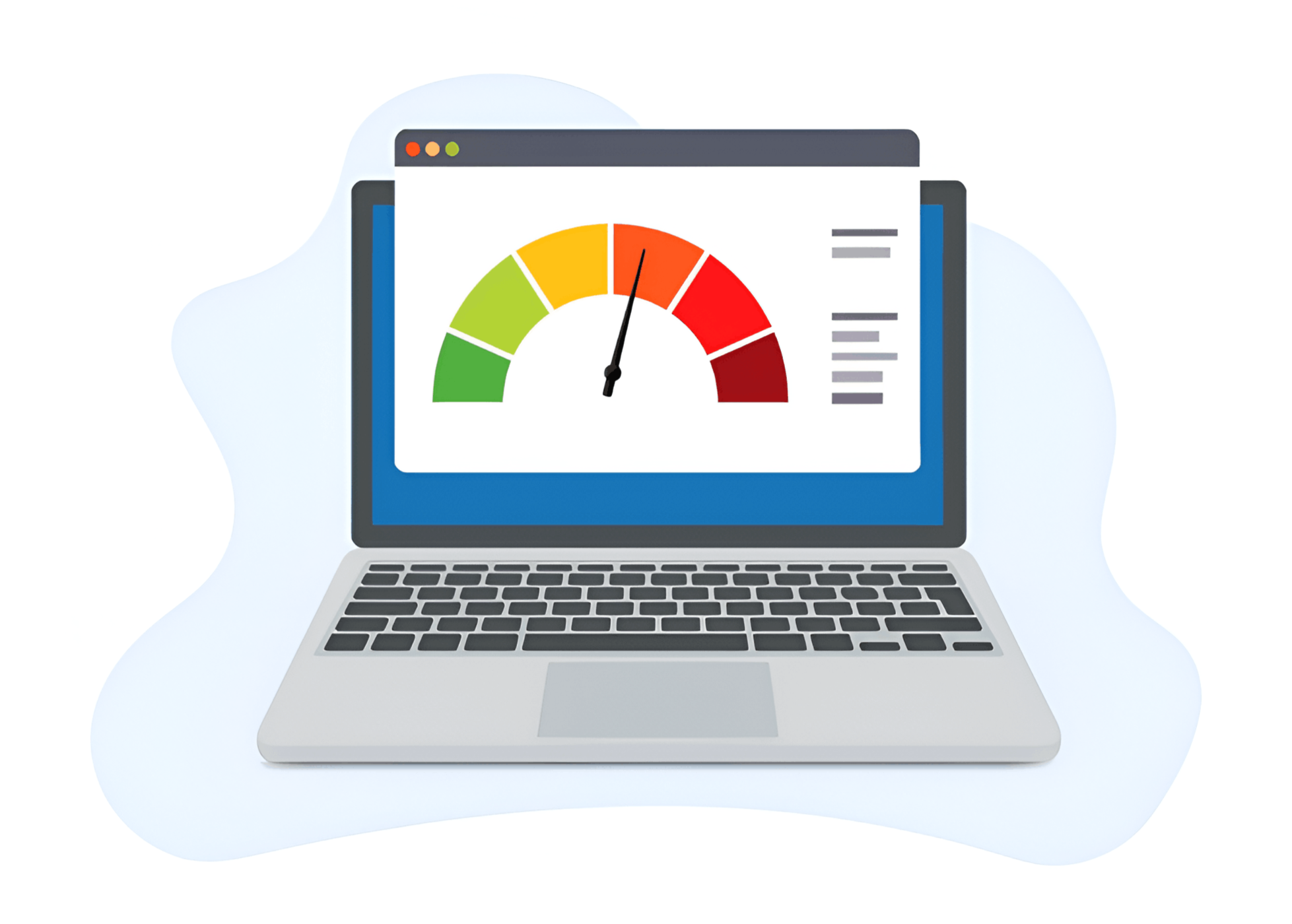
Google reported that 53% of mobile site visits were abandoned when pages took longer than three seconds to load. Slow loading can also increase your website’s bounce rate.
Common causes include oversized images, unnecessary scripts, too many third-party apps, inefficient code, and outdated technical setups.
Judge performance by the experience visitors have, rather than a single score.
Solution
Audit your website and compress large images.
Minify CSS, HTML, and JavaScript to reduce file sizes.
Consider system fonts such as Arial, Verdana, or Helvetica to reduce font downloads.
Test important pages and customer journeys after making changes.
2. Lack of responsive web design
Design affects how visitors judge your business. Clear, consistent layouts help a website feel professional and easy to use.
Older websites may have inconsistent spacing, hard-to-read fonts, weak imagery, unclear calls to action or layouts that no longer work on modern screens.
Start with the customer journey. Any design changes should make the experience clearer and more useful.
Solution

Need Help with Your Squarespace Website?
Book a free kick-off call to discuss your project requirements in detail. Whether you're launching a new Squarespace website, redesigning an existing one, or looking to improve functionality and user experience, we'll help you explore the best options for your goals.
3. A poor mobile experience
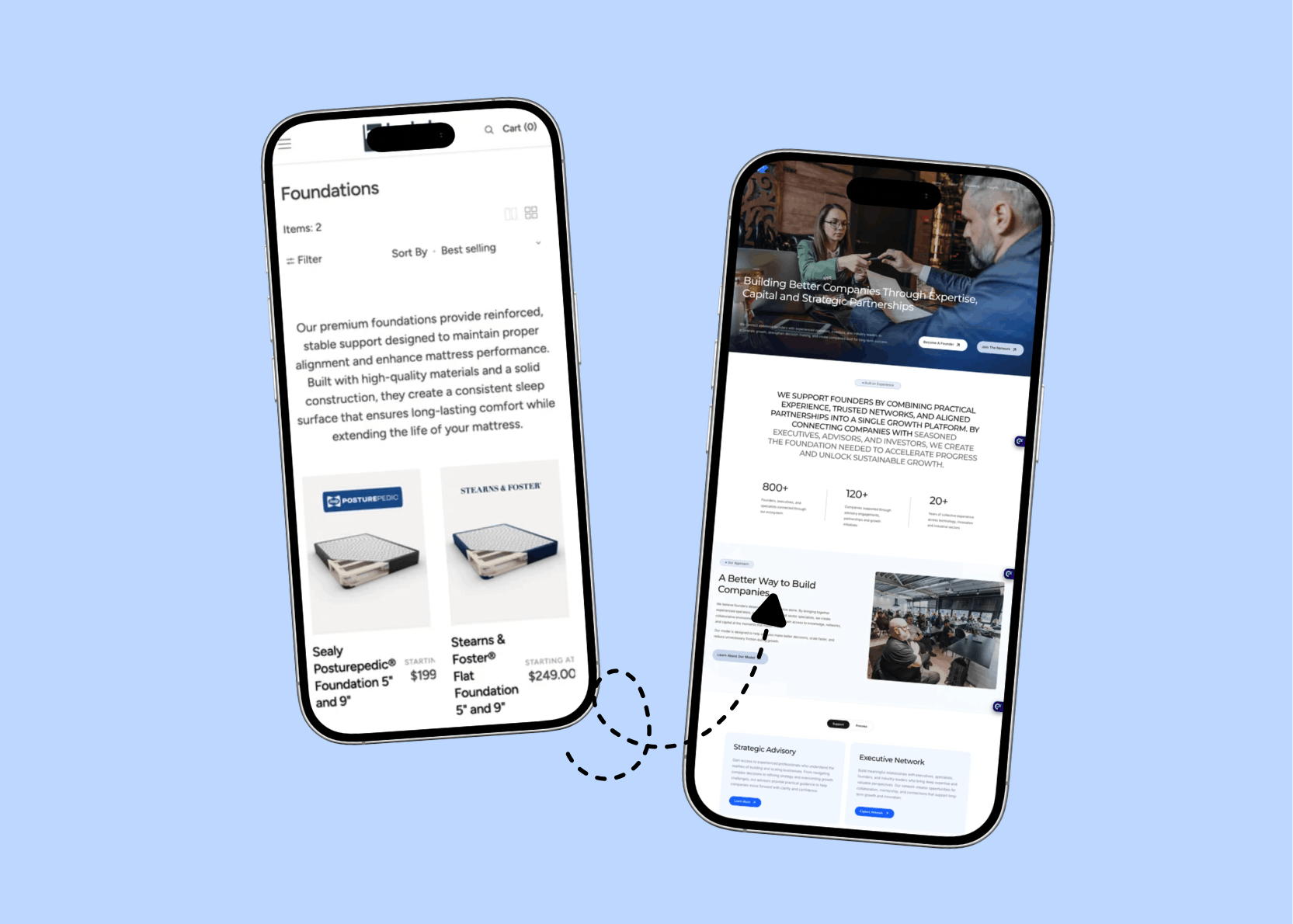
If your website does not adapt to different screen sizes, buttons can become too small, content gets cut off and navigation can break.
Other common website problems on mobile include cramped menus, tiny text, oversized sections, horizontal scrolling, and important information that is hard to reach.
Solution
Make buttons and controls comfortable to tap.
Simplify navigation where needed.
Keep important information readable without zooming.
Test real pages across different screen sizes.
4. Navigation problems
Your website can contain all the right information and still fail if visitors cannot find it. Clear navigation helps people move between pages without unnecessary effort.
Problems include too many menu items, unclear labels, buried information, weak search, confusing product categories, and calls to action that do not explain what happens next.
Solution
Keep navigation simple, predictable, and consistent. Use familiar patterns, such as a hamburger menu on mobile and a visible top menu on desktop. Label categories clearly and avoid hiding important menus.
Test different navigation flows and keep the one that helps visitors move through the site easily.
5. Ignoring SEO best practices in design
SEO helps search engines understand your content and makes it easier for people to find your website. But improving search visibility takes more than adding keywords to a page.
Your website needs a clear structure, useful content, and pages that search engines can access. That content should also give visitors clear, relevant answers to their questions.
Solution
Include SEO elements from the start:
Semantic HTML, including H1 and H2 headings.
Descriptive image alt text.
Fast loading speed.
Mobile-friendly design.
These elements should support your overall SEO strategy.
6. Broken links and redirects
Broken forms, checkout problems, dead links and integration errors are not always visible to the business owner. Visitors may simply leave without explaining why.
These issues can come from code, settings, theme changes, apps, integrations or updates. Start by reproducing the problem and identifying what is failing.
Solution
Audit important customer-facing functions. Use a broken link checker to find and fix dead links.
Improve your 404 page with links to useful content or a website search bar.
When a page moves permanently, use a 301 redirect to its new address. For a deleted page, redirect only when there is a relevant replacement.
Test the full customer journey, from landing on the site to completing the intended action.
Website Health Checklist
Check Website Speed and Core Web Vitals
Test Mobile Responsiveness
Run a Website Technical Audit
Audit Your Website SEO
User Experience (UX)
Content answers real customer questions
Frequently Asked Questions.
-
Website monitoring means regularly checking your site’s performance and functionality. It helps you find problems that could affect visitors and your business.
-
Common website issues include slow loading, inconsistent design, poor mobile layouts, confusing navigation, missing SEO elements and broken links or functions.
-
Optimising your website makes it easier to use and helps visitors find information and complete important actions.
-
Website monitoring is an excellent first step to troubleshooting website problems, ensuring that you correctly identify site issues and find speedy solutions, before they negatively impact the user experience. Common website monitoring tools include
Contentsquare
Loop11
Pingdom
UpTrends
Intruder
StatusCake
Uptime Robot
My thoughts
Your website is often the first, and sometimes only, impression a visitor has of your brand. Research shows that people can judge a website’s visual appeal in as little as 0.05 seconds.
Even the best product or service cannot make up for a website that feels confusing, clunky, or slow.
Web Goyat can help identify technical, usability, and e-commerce issues, then recommend practical improvements based on your website and business needs.
Book a call with us to discuss your website.
